

Working from home - How to keep your business running

Working from home – How to keep your small business running smoothly

As a result of the pandemic, many businesses have had to adjust their way of thinking when it comes to working remotely. Larger companies have the technology, flexibility and overall resources to have their employees transition quickly to a work-from-home, remote setup. For small businesses that don’t have a history of managers and employees working from home, the “new normal” may pose more of a challenge.

Working in the age of COVID-19

This new way of working presents many challenges, such as distractions from children at home, lack of cohesion with team members, and an increased chance of miscommunication. But there are things you can do as a small-business owner:

  • Equip teams with the right technology
  • Manage remote employees by communicating often and with transparency
  • Maintain engagement and help with productivity by creating opportunities for social interactions

Equip your team with the right tools

One of the most important ways to stay productive and connected while teams are working remotely is to have the right technology. This includes project management tracking, messaging apps and videoconferencing apps. These tools allow managers and employees to stay on the same page no matter where they are. Here are a few resources you can access:

Communicate often and transparently

Communication is especially important because interactions are happening virtually, leaving more room for miscommunications. Ensure that you’re consistently communicating with your teams while working from home and getting feedback from them about what is working well and what is not. Here are a few tips to help:

  • Sending out daily or weekly emails with updates or instant messages about projects can help employees to feel in the loop and know what is happening
  • Set expectations for how often you will check in, and let employees know how much they should update you as well
  • It’s important to communicate when you will be available and when you expect employees to be online
  • Use other forms of communication —such as phone calls or video calls — instead of defaulting to only text-based communications
  • If you would have talked to someone face-to-face about something while in the office, give them a call

Tips for managers to help maintain social interactions

Managers should provide more opportunities for spontaneous workplace conversations. Utilizing technology can help facilitate these conversations:

  • Make time to connect with teams or even schedule online social time to have conversations with no agenda
  • Encourage workers to connect virtually as they would in person
  • Try an icebreaker during a team chat, such as:
    • “What’s one good thing that someone ready today?”
    • “What’s one way everyone is de-stressing right now?”
    • Implement a weekly virtual happy hour or team-building exercise to keep people connected

Working remotely can work

Nothing takes the place of interacting face-to-face with a co-worker. Hopefully, these ideas will help small-business owners feel better informed and prepared about how to manage their teams remotely during the pandemic. Plus, if a small-business owner decides to focus more on this “working remotely model” after the pandemic subsides, they’ll be well prepared.
Toronto Wealth Management

Cyberattacks are on the rise

Protect yourself and your business during the pandemic

These are harrowing times, but keeping informed can be one of the best ways to feel empowered. We want to highlight what to look out for and what we can all do together to help protect you and your business from cyberattacks.

The scams are out there

It’s hard to believe that people will take advantage of our current situation with the outbreak of COVID-19, but it’s part of the narrative. According to the Cybersecurity and Infrastructure Security Agency (CISA), cyber criminals could take advantage of public concern surrounding COVID-19 by launching cyberattacks. Scams began surfacing back in January with coronavirus phishing schemes and are on the rise.

Phishing attacks

The CISA notes phishing attacks, or the use of email and bogus websites created to trick victims into revealing sensitive information, will be used by cybercriminals looking to take advantage of COVID-19. 29% of business owners have fallen prey to phishing attacks, according to its 2019 Small Business Owner survey5.

Disinformation campaigns

Disinformation campaigns will also be used by cybercriminals, as COVID-19 creates an opportunity to spread fear, manipulate public conversation, influence policy development or disrupt markets. A disinformation campaign is typically used by cybercriminals to spread false information online. For example, a cybercriminal could share content about a fake government relief package for small-business owners. If the content is clicked on or downloaded, malicious software is spread on the user’s device.

Vulnerability of alternate workplaces

As organizations explore alternative workplace options in response to COVID-19, such as working from home, the security of information technology systems may be used by criminals to create cyber threats. Coronavirus-themed ransomware is being used to encrypt a computer’s hard drive, enabling hackers to demand payment to unlock the information and files it contains.

We did our own research

A Small Business Owner Survey found that remote workers are a leading cyber blind spot for small-business owners. This same study found that only 4% of business owners have implemented all of the cybersecurity best practices and recommendations outlined by the government.

Follow these guidelines

We looked at the best ways for you to protect yourself and your business from cyberattacks and here are 5 things you can do.

Tip 1: Combat phishing attacks.

  • Do not click on links in unsolicited emails, and use caution when opening attachments
  • Never share personal or financial information in email

Tip 2: Guard against disinformation campaigns.

Use trusted resources, such as government websites, for up-to-date information on COVID-19. Here’s a link to Canada.gov.ca  COVID-19 topics.

Tip 3: Use secure internet connections.

Make sure you and your employees work only from secure internet connections. When accessing any confidential or sensitive information, avoid using public Wi-Fi networks.

Tip 4: Secure your business’s information technology systems that enable remote access.

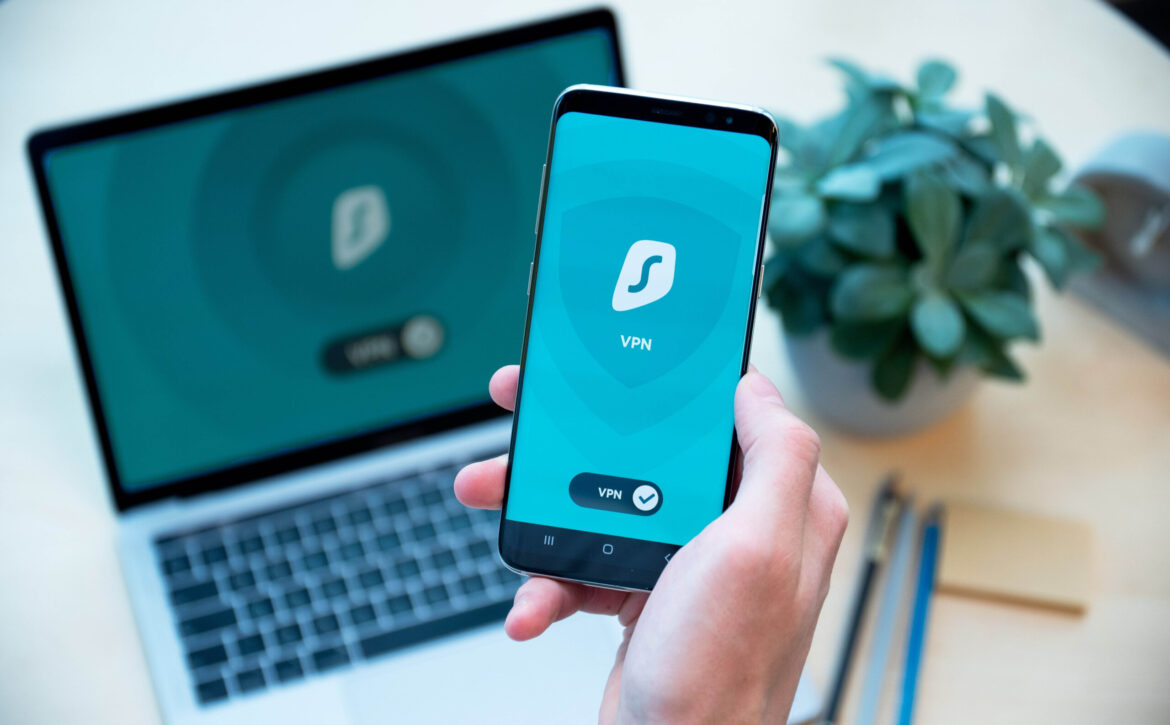
  • Ensure your virtual private network (VPN) and other remote access systems are fully patched
  • Enhance system monitoring to receive early detection and alerts on abnormal activity; implement multi-factor authentication

Tip 5: Back up your systems to combat ransomware attacks.

Ransomware attacks are a type of malware threat that locks valuable digital assets and files until a ransom is paid to release them. You should:

  • Make sure you can restore your files should a ransomware attack occur by storing files offline and if possible, off-site
  • Keep several days’ versions of backups, so you can restore your files using malware-free copies

Keep in mind, while real-time backup is convenient, it won’t be effective if your files are encrypted, because the ransomware will encrypt your files on the real-time backup.